
MLB Country Blocker
Block or allow visitors by country on specific WordPress pages — using simple page-based rules, caching for speed, and a built-in license guard for premium protection.
- Page-based rules: choose exactly which pages are protected
- Two modes: Block countries or Allow-only countries
- Fast caching to reduce repeated lookups
- Custom blocked message or redirect URL
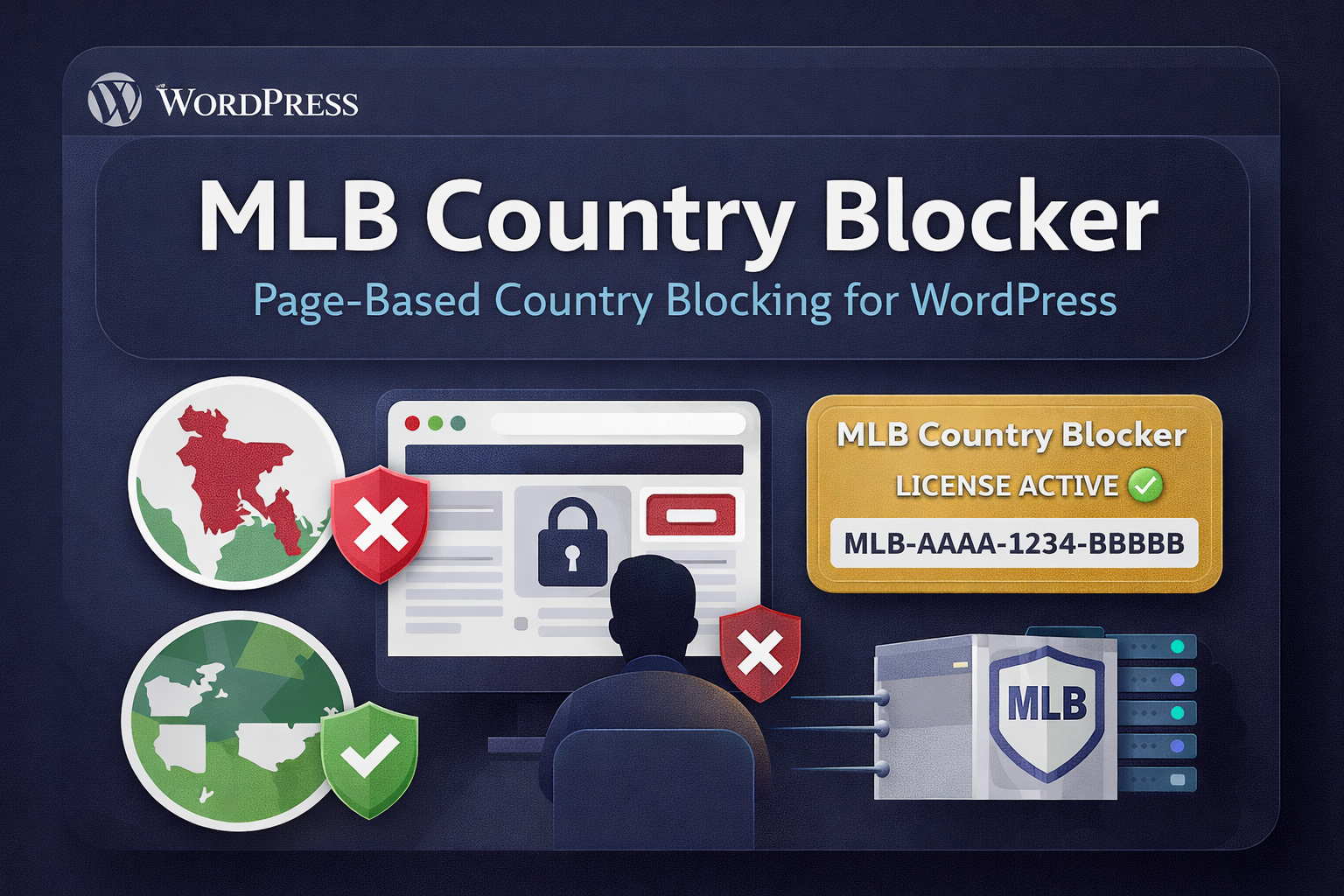
Not every visitor should see every page.
Many sites need country-based access control — but most solutions are either too complex, too heavy, or force you to block the entire site when you only need to protect a few pages.
- Country restrictions required for compliance, licensing, or offer rules
- You want to block/allow only a few pages — not the whole site
- Redirect or a clean “Access Denied” message should be simple
- You need speed: repeated geo checks must be cached
Simple page-based country control — in minutes.
MLB Country Blocker is built for real WordPress owners who want a lightweight, practical tool: set page rules, define country codes, and you’re done.
- Choose pages, then apply either Block or Allow-only rules
- Built-in caching to reduce lookups and keep pages fast
- Display a custom message or redirect visitors automatically
- Premium-ready with a license guard (runs only with an active license)
How MLB Country Blocker works
Install the plugin, activate your license once, then create page-based rules to block or allow visitors by country code. You can show a custom message or redirect blocked visitors.
Install & enable the plugin
Upload the ZIP, activate it from WordPress Plugins, then open the plugin settings page.
- Works with page-based rules (no site-wide lock unless you choose pages)
- Admin bypass option available for safe testing
Activate your license key
Paste your license key in Admin UI and click “Activate”. If the license is active, blocking rules will run.
- One-time activation (license guard checks automatically)
- Domain-based activation managed by your license server
Create rules (Block / Allow-only)
Select the pages, set country codes (US, CA, UK, BD, etc.), then choose what happens when blocked.
- Show a custom “Access denied” message or redirect URL
- Caching improves speed by reducing repeated lookups
Everything you need for country-based access control
Create page-level rules, keep it fast with caching, and choose how blocked visitors are handled — all in a lightweight plugin designed for practical WordPress use.
Apply blocking to specific pages only—perfect for landing pages, offer pages, downloads, or members-only content.
Choose your strategy: block selected countries OR allow only selected countries for the pages you choose.
Cache country lookups to reduce repeated checks and keep your pages fast even under traffic.
Show a clean “Access denied” message, or redirect blocked visitors to any URL you want.
Runs only with an active license—ideal for selling as a premium plugin with controlled activations.
No bloated settings. Just what you need to control access by country—simple UI, quick setup.
US, CA, UK, AU, BD.
You can apply different rules to different pages based on your offer or compliance needs.Where MLB Country Blocker fits perfectly
Use country rules to protect offers, reduce low-quality traffic, meet compliance requirements, and keep your pages focused on the locations you actually want.
Show your offer only to allowed countries, and redirect others to an alternative page.
- Perfect for CPA/MMO/BizOpp compliance
- Prevent “wrong-geo” traffic from wasting budget
Restrict access to sensitive pages (downloads, bonus pages, private content) by geography.
- Add an extra layer of control beyond passwords
- Redirect blocked users to support/FAQ page
Run different campaigns to different countries using different landing pages and rules.
Block high-spam geos from specific pages without affecting your entire site.
Follow offer rules and geo restrictions with a simple page-based setup.
One-time purchase. Lifetime use.
Activate your license once, set your page rules, and control country access without any complex setup.
Includes license activation and updates. Need help? Open Support or email support@myleadbiz.com
- Page-based Block rules (by country code)
- Allow-only rules for selected pages
- Custom message or redirect for blocked visitors
- Smart caching for fast performance
- License Guard (premium-ready)
After payment, you’ll receive your license key. Paste it in the plugin settings and click Activate License.
What you get
A practical geo access controller for WordPress sites where page-level targeting matters.
Questions you may have
MLB Country Blocker is designed to be simple: activate license once, then build page rules using country codes.
How do I activate the license?
What are country codes?
Can I block only specific pages (not the whole site)?
What happens when a visitor is blocked?
Does it slow down my site?
Need help?
If you face any setup issues, contact support:
Support Portal
support@myleadbiz.com
Tip: If you use “Allow-only”, remember to add all allowed countries (e.g., US, CA)—others will be blocked automatically.
Want to buy now? One-time price: $21
License key will be delivered after payment. Activate once from the plugin settings.
Ready to control country access on any page?
Buy MLB Country Blocker, activate your license once, and start building page-based rules to block or allow visitors by country. Show a custom message or redirect blocked users—your choice.
Install the plugin on your WordPress site.
Paste license key in plugin settings and click Activate License.
Create rules (Block / Allow-only) for selected pages using country codes.
After payment, you’ll receive your license key. Activate once and start using it immediately.
Need help? Open a ticket